Verifying faces
When a face is detected by the Face service, a unique ID is assigned to it and retained in the service resource for 24 hours. The ID is a GUID, with no indication of the individual’s identity other than their facial features.
While the detected face ID is cached, subsequent images can be used to compare the new faces to the cached identity and determine if they’re similar (in other words, they share similar facial features) or to verify that the same person appears in two images.
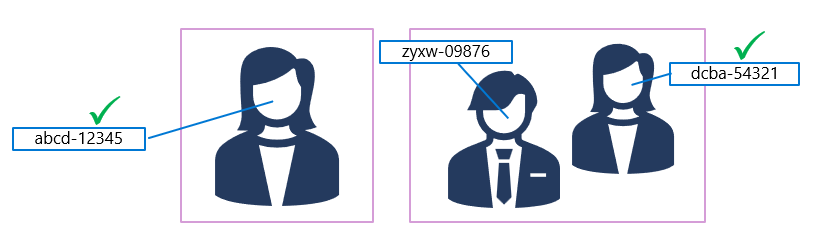
This ability to compare faces anonymously can be useful in systems where it’s important to confirm that the same person is present on two occasions, without the need to know the actual identity of the person. For example, by taking images of people as they enter and leave a secured space to verify that everyone who entered leaves.
Identifying faces
For scenarios where you need to positively identify individuals, you can train a facial recognition model using face images.
To train a facial recognition model with the Face service:
- Create a Person Group that defines the set of individuals you want to identify (for example, employees).
- Add a Person to the Person Group for each individual you want to identify.
- Add detected faces from multiple images to each person, preferably in various poses. The IDs of these faces will no longer expire after 24 hours (so they’re now referred to as persisted faces).
- Train the model.
Leave a Reply